
Sound Design: Using Audio to Control Emotion
Master the art of sound design to manipulate emotion, enhance storytelling, and create immersive video experiences that resonate deeply with your audience.
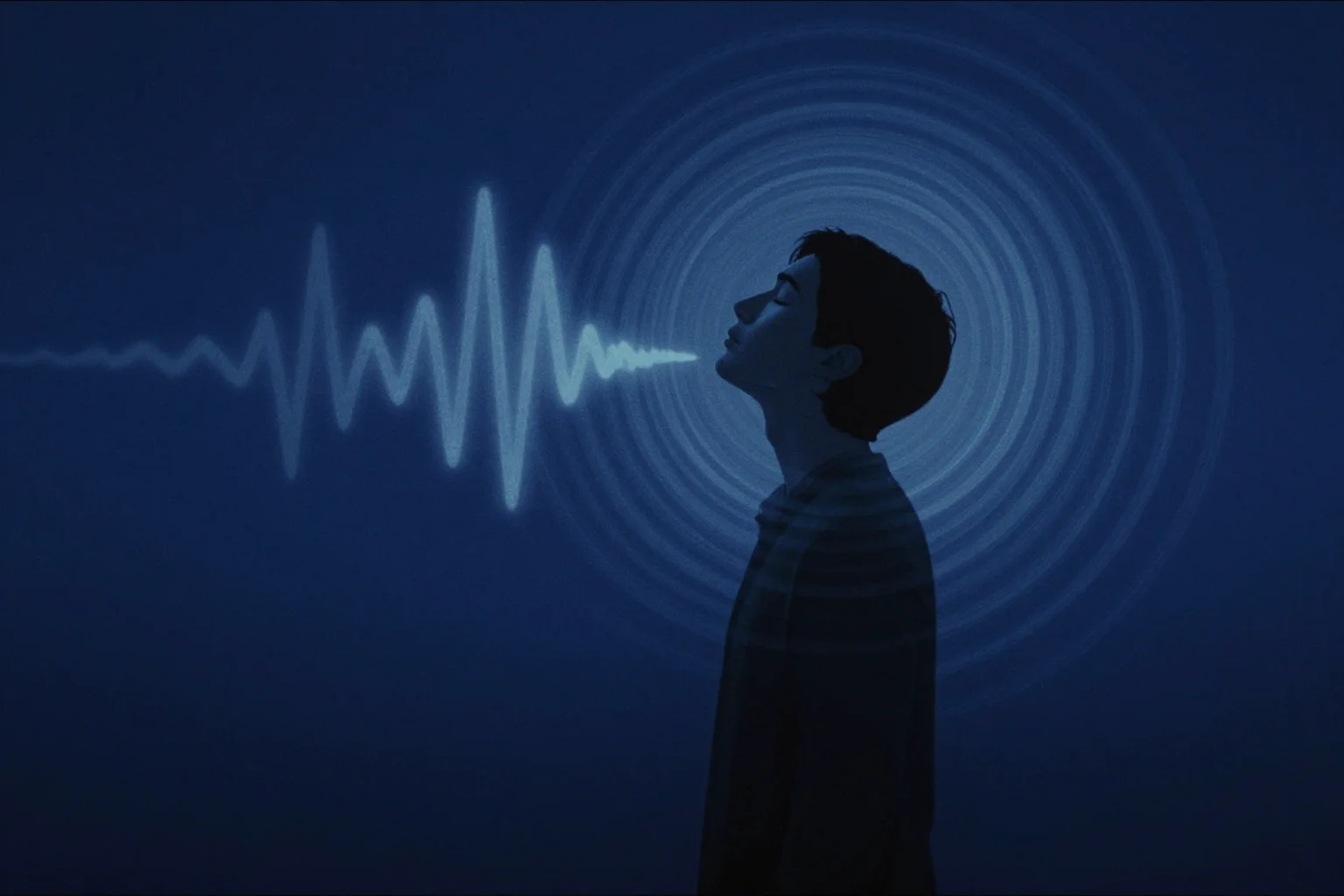
Sound Design: Using Audio to Control Emotion
Executive Summary
Sound design represents the most underutilized yet powerful tool in video creation. While creators obsess over visuals, audio secretly controls emotional responses, guides attention, and determines whether viewers experience content as compelling or forgettable. Professional sound design transforms good videos into unforgettable experiences by manipulating emotional states through strategic use of music, sound effects, ambience, and silence. This comprehensive guide explores the neuroscience of audio perception, provides systematic frameworks for emotional audio design, and delivers actionable techniques for creators ready to harness sound’s full potential. Whether you’re producing cinematic content or simple talking-head videos, mastering sound design will elevate your work beyond visual improvements alone.
First Principles: Why Audio Controls Everything
Human brains process audio differently than video. While visual information requires conscious attention to interpret, audio bypasses rational filters and directly stimulates emotional centers. This neurological reality makes sound design the most direct pathway to viewer hearts and minds.
Consider your own experiences. Horror movies terrify through sound far more than visuals. A suspenseful scene with the sound off becomes merely odd; with proper audio design, it becomes genuinely frightening. This principle extends beyond horror to all emotional content. The right audio makes audiences feel before they think.
Audio also provides spatial and temporal information that visuals cannot. Sound design tells viewers where they are, what time period they’re experiencing, and what emotional landscape surrounds the narrative. These contextual cues happen subconsciously, creating immersion that viewers experience as presence rather than observation.
The Emotional Audio Spectrum
Different audio elements trigger specific emotional responses. Understanding this spectrum allows intentional emotional manipulation - ethical artistry that guides viewers through designed experiences.
Music provides the broadest emotional palette. Major keys evoke happiness and triumph; minor keys suggest sadness or mystery. Tempo affects energy - fast tempos create excitement, slow tempos promote reflection. Instrumentation adds cultural and genre associations that prime specific expectations.
Sound effects anchor content in reality and punctuate key moments. The sound of a door slamming creates finality. A champagne cork popping suggests celebration. These audio cues trigger emotional associations instantly, bypassing lengthy explanations.
Ambient sound establishes setting and mood. City traffic implies hustle and potential stress; forest birdsong suggests peace and natural harmony. Layered ambience creates dimensional depth that flat visuals cannot achieve alone.
Silence wields surprising power. Strategic silence creates tension, emphasizes important moments, or provides contemplative space. The absence of sound can be more impactful than its presence when deployed thoughtfully.
Music Psychology: The Invisible Conductor
Background music functions as an emotional conductor, guiding viewers through predetermined emotional journeys without their conscious awareness. This power requires responsible use - manipulating emotions should serve storytelling, not deception.
Volume relationships between dialogue and music determine emotional accessibility. When music competes with speech, it creates tension and suggests that words don’t fully capture the situation. When music sits well below dialogue, it provides subtle emotional coloring without interference.
Musical transitions signal narrative shifts. A sudden key change or tempo shift indicates that something important has occurred. These audio bookmarks help viewers process structural changes and prepare emotionally for what follows.
The “undesrcore” technique uses music that remains below conscious awareness but still influences mood. This approach works best for long-form content where constant musical attention would become exhausting. Underscore supports without demanding attention.
Sound Effects: The Emotional Punctuation
Sound effects serve as emotional punctuation marks - brief audio events that emphasize, clarify, or transform moments. Unlike continuous music, effects provide specific momentary impacts.
Diegetic sound effects (originating within the scene’s reality) ground content in authenticity. When viewers hear sounds that match what they see, the experience feels real and immediate. This realism builds trust and engagement.
Non-diegetic sound effects (added in post-production) create hyper-reality that emphasizes important moments. The “whoosh” of a graphic element appearing, the “swoosh” of a transition - these sounds add polish and professional sheen that separates amateur from professional content.
Transitional sound effects bridge cuts and signal changes. A rising tone suggests building energy; a descending tone implies conclusion or loss. These audio cues prepare viewers for visual transitions, making edits feel seamless rather than jarring.
Ambience and Atmosphere: The Unsung Heroes
Ambient sound creates the environmental foundation that supports all other audio elements. Without proper ambience, content feels hollow and artificial. With thoughtful ambience, videos achieve dimensional depth.
Room tone provides the baseline acoustic fingerprint of your recording space. Capturing 30 seconds of silence in your shooting location gives you authentic room tone to lay under dialogue, preventing the “dead air” that feels unnatural.
Environmental ambience establishes location and mood. Coffee shop chatter, office keyboard clicks, nature sounds - these layers create immersion that transports viewers into your content world. The key is appropriate selection and subtle mixing.
Layered ambience creates complexity. A single ambient track sounds flat; multiple layers (distant traffic, nearby birds, wind through leaves) create realistic acoustic environments. However, avoid overwhelming your primary audio with excessive ambient detail.
Silence as a Design Element
Paradoxically, the strategic absence of sound wields tremendous power. Silence creates anticipation, emphasizes importance, and provides cognitive processing space. It’s the design element most creators overlook.
Pre-impact silence builds tension. When you remove all audio before an important revelation or emotional moment, viewers lean forward unconsciously, preparing for what comes next. This technique amplifies the impact of whatever follows.
Post-revelation silence allows processing. After delivering important information or emotional content, brief silence lets viewers absorb and internalize what they experienced. This moment of reflection often determines whether content resonates or merely passes by.
The “fade to silence” technique gradually removes audio elements (music, ambience) leaving only essential dialogue or effects. This audio stripping focuses attention and creates intimacy that crowded soundscapes cannot achieve.
The Sound Design Workflow
Systematic sound design follows a structured process that ensures nothing gets overlooked while maintaining creative flow.
Phase 1: Dialogue Foundation Start with clean, well-leveled dialogue. Remove background noise, fix technical issues, and establish consistent levels throughout. Dialogue is your anchor - everything else supports it.
Phase 2: Ambient Bed Add room tone and environmental ambience. These establish the acoustic baseline that makes subsequent additions feel natural rather than imposed. Keep ambience subtle - 20-30% of your dialogue level typically works.
Phase 3: Sound Effects Identify moments needing emphasis or illustration. Add diegetic effects that match visual action. Include transitional effects for structural clarity. These should punctuate without overwhelming.
Phase 4: Musical Score Compose or select music that serves your emotional goals. Consider tempo, key, instrumentation, and cultural associations. Music should guide without dictating - viewers should feel emotions, not notice manipulation.
Phase 5: Mastering and Balance Use mixing techniques to achieve proper balance. Apply EQ to prevent frequency clashes. Use compression for consistent levels. Create space through panning and stereo imaging. The goal is cohesive audio that serves content.
Technical Tools and Techniques
Modern sound design relies on accessible tools that put professional capabilities within reach. Understanding these tools unlocks creative possibilities.
EQ (Equalization) shapes tone by adjusting frequency levels. Cut problematic frequencies (room rumble, hiss) and boost pleasing ones (voice presence around 3-5kHz). EQ solves masking issues where different sounds compete for the same frequency space.
Compression evens out dynamic range, making quiet parts louder and loud parts quieter. This creates consistent listening experiences and prevents jarring volume jumps. However, over-compression sounds unnatural - find the balance.
Reverb adds spatial characteristics, making dry recordings sound like they exist in specific acoustic environments. Different reverb types (room, hall, plate) create different spatial impressions. Use reverb to unify disparate recordings into cohesive spaces.
Panning places sounds in the stereo field. Dialogue typically centers; ambience spreads wide; effects might move across the stereo image. Thoughtful panning creates dimensional audio that surrounds rather than merely accompanies.
Common Sound Design Mistakes
Even well-intentioned creators make audio errors that undermine their content. Recognizing these pitfalls helps you avoid them.
Music overwhelm occurs when background music competes with dialogue. Viewers shouldn’t strain to hear speech. Keep music at least 12-18dB below dialogue peaks, and use sidechain compression to automatically dip music when speaking.
Inconsistent levels create jarring experiences. Sudden volume jumps between segments or clips indicate poor audio management. Use normalization and limiting to establish consistent maximum levels across your entire project.
Overuse of effects transforms professional polish into amateur distraction. Every sound effect should serve a purpose. Random “whooshes” and “beeps” without narrative justification feel like desperate attempts at professionalism.
Ignoring room tone creates the “floating voice” effect where dialogue feels disconnected from any physical space. Always capture room tone and layer it under dialogue to ground vocals in acoustic reality.
Poor frequency balance leads to muddy mixes where elements compete rather than complement. Use EQ to carve out frequency space for each element. Dialogue needs clarity in midrange; music should support without masking.
Advanced Emotional Manipulation
Once you master fundamentals, explore sophisticated techniques that separate professional sound design from competent audio.
Musical foreshadowing introduces themes or motifs before their narrative importance becomes clear. When viewers later hear the same music associated with emotional payoff, the connection feels inevitable rather than imposed.
Contrapuntal sound pairs audio and video that suggest different emotions. Cheerful music over tragic visuals (or vice versa) creates irony, commentary, or complex emotional responses. This technique requires careful handling but yields powerful results.
Stinger effects are brief, impactful sounds that mark important moments. A well-designed stinger punctuates revelations, emphasizes calls-to-action, or signals transitions. Think of news program intros or game show winner announcements.
Sound design motifs create audio signatures that identify recurring elements. A specific sound associated with your intro, transitions, or calls-to-action builds brand recognition through audio consistency.
The Sound Design Checklist
Use this comprehensive checklist for every project:
Pre-Production:
- Identify emotional goals for the project
- Plan sound design elements needed
- Create reference playlist of music that matches desired tone
- Prepare sound effects library for common needs
Production:
- Capture clean dialogue with minimal background noise
- Record 30+ seconds of room tone at each location
- Capture ambient sounds specific to locations
- Note sound effects that should be added in post
Post-Production - Phase 1:
- Clean and level all dialogue tracks
- Remove clicks, pops, and unwanted noise
- Establish consistent dialogue levels across clips
- Apply gentle compression for even dynamics
Post-Production - Phase 2:
- Layer room tone under all dialogue
- Add environmental ambience appropriate to settings
- Place sound effects at narrative punctuation points
- Ensure effects match visual action timing
Post-Production - Phase 3:
- Select or compose music that serves emotional goals
- Balance music well below dialogue (12-18dB difference)
- Use sidechain compression for automatic music ducking
- Musical transitions align with narrative structure
Final Mix:
- EQ individual elements to prevent frequency masking
- Apply gentle master compression and limiting
- Check mix on multiple playback systems (headphones, speakers)
- Verify consistent levels from beginning to end
Measuring Sound Design Success
Analytics provide insight into audio effectiveness, though emotional impact requires additional evaluation methods.
Retention graphs reveal engagement patterns that audio influences. Videos with thoughtful sound design typically maintain more consistent retention throughout, avoiding the drop-offs that indicate viewer boredom or irritation.
Comment analysis shows whether audio resonated. Viewers mentioning music choices, sound effects, or overall production quality indicate that your sound design achieved noticeable impact.
A/B testing different audio approaches validates assumptions. Test versions with different music, sound effect density, or mixing styles to see which generates better engagement. Data-driven refinement optimizes your sound design strategy.
Tools for Sound Design Excellence
Several platforms streamline sound design workflow. AutonoLab offers intelligent audio suggestions that recommend music, effects, and mixing adjustments based on your content type and emotional goals. The platform analyzes your footage and provides data-driven sound design recommendations.
Royalty-free music libraries like Epidemic Sound, Artlist, and Musicbed provide quality tracks for content creators. Sound effects libraries such as Pro Sound Effects and Boom Library offer professional-grade assets.
Audio editing software like Adobe Audition, Logic Pro, and REAPER provide advanced capabilities for mixing, processing, and mastering. Even entry-level tools like Audacity or your editing software’s built-in audio features can achieve professional results with proper technique.
Conclusion: The Invisible Art
Sound design operates as the invisible art of video creation. When executed perfectly, viewers experience its effects emotionally without consciously recognizing the technique. This unconscious impact makes sound design uniquely powerful - and often underappreciated.
Mastering audio emotional control elevates your content beyond what visual improvements alone can achieve. As you implement these principles and techniques, you’ll discover that audiences feel the difference even when they can’t articulate why. That feeling - the sense that your content resonates more deeply, engages more fully, and stays in memory longer - is the sound designer’s ultimate reward.
Your audio journey begins with the next project. Design sounds that serve your stories, manipulate emotions ethically, and create experiences that viewers feel in their bones. The power of sound awaits your command.